Where to find images for printing on desserts
From a customer's photo and ready-made templates to neural networks, stock libraries and custom designs — a big overview of image sources.
One of the first questions confectioners ask before buying a printer is: “Where will I get the images to print?”
The answer is simple: today a confectioner has a great many sources — from a customer’s photo and ready-made templates to neural networks, stock libraries, Pinterest, Etsy and custom designs from designers.
The main thing is to use an image of good quality, the right size and, if the item will be sold commercially, with clear rights for commercial use.
1. The customer’s own photos
Very often the client brings the image they want to see on a cake, gingerbread, cupcake or other dessert themselves: a photo of a child, a family snapshot, a company logo, a greeting, a picture from a messenger.
Images like these are exactly what make an item personal — and personalisation almost always raises the value of the order.
In most cases even a photo from an ordinary smartphone is good enough to print. The confectioner’s job is, where needed, to prepare the image a little: crop it, improve its quality, remove the background, add a caption, place the photo into a ready-made design. You can use graphics software or simple online services for this:
- Canva — a handy online editor for layouts, collages, captions, cards, toppers and print sheets.
- Photopea — a free online editor similar to Photoshop. Suitable for working with layers, PSD files, cropping and correcting images.
- Remove.bg — quickly removes the background from a photo.
- Adobe Express — an online service for quick layouts, image editing, posts and cards.
- Clipdrop — tools for removing objects, cleaning up backgrounds, enhancing images and AI editing.
- Cleanup.pictures — lets you quickly remove unwanted elements from an image.
- Upscale.media — helps enlarge a small image and improve its quality.
- Let’s Enhance — a service for enlarging and improving image quality.
2. Our ArTer template collection
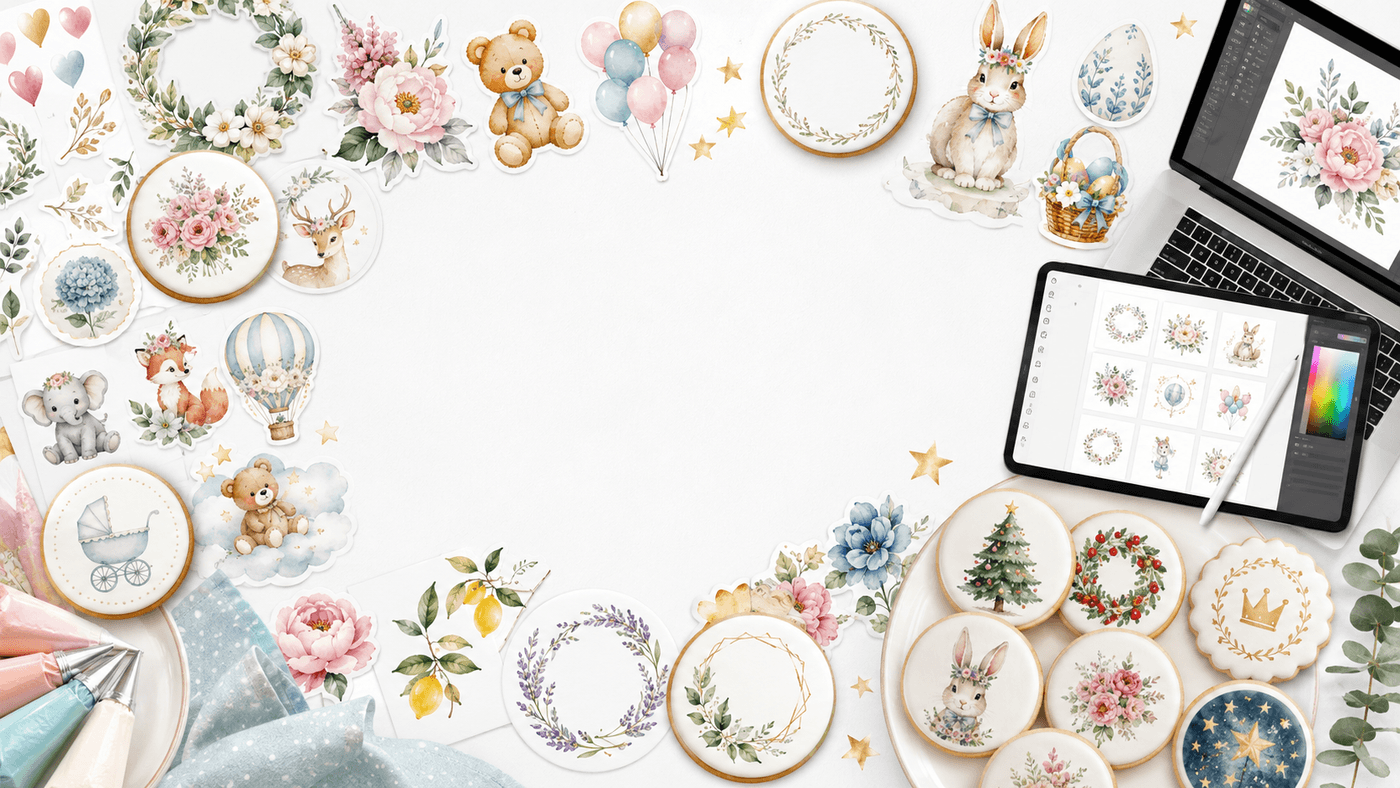
For ArTer customers we provide a large library of several thousand themed images and ready-made templates: for holidays, children’s sets, corporate orders, seasonal collections and various kinds of dessert.
This is the fastest start: there’s no need to begin from scratch, hunt for pictures and dream up your first designs. You can take a ready-made template, add a name, date, greeting or logo — and start printing straight away.
3. Neural networks and AI services
Today a confectioner doesn’t have to search for the perfect picture but can create it themselves with the help of artificial intelligence. Just describe the idea in words, for example:
- “a cute New Year bunny in a watercolour style for a round gingerbread”;
- “a strawberry background for macarons”;
- “an illustration for a children’s set in a colouring-book style”;
- “12 little animals in a single style for an advent calendar”;
- “a delicate floral background for a birthday cake”.
The AI service will generate an image, and then it can be refined: remove the background, change the colour, make a series in one style, adapt it to a round, square or shaped form.
There are very many such services. Many have free limits, but for ongoing work an inexpensive paid plan is often more convenient (basic plans are usually from around $10–20 a month; it’s best to check the terms on the services’ own sites).
- ChatGPT / OpenAI — generating images from a description, editing, creating ideas and captions. It’s convenient that you can write in plain words: “make it softer”, “remove the background”, “adapt it for a round gingerbread”.
- OpenAI — the official site with information about products and pricing.
- Midjourney — one of the strongest services for artistic illustrations: fairy-tale characters, watercolour, New Year scenes, premium backgrounds.
- Adobe Firefly — a good option for commercial work, especially if you already use Photoshop or Express.
- Canva AI / Dream Lab — very handy for confectioners without design experience: you can put together a layout with text, frame and logo right away.
- Leonardo AI — illustrations, characters, stylised sets and series of images in a single style.
- Magnific / Freepik AI — AI tools for generating, editing and improving image quality.
- Freepik — a large library of vectors, backgrounds, illustrations and seasonal graphics + AI tools.
- Creative Fabrica Studio — AI tools and a library of graphics, fonts, SVGs and templates.
- Ideogram — handy when text matters in the image: greetings, signs, lettering.
4. Stock libraries and image collections
With the rise of AI, stock libraries have come to be used differently, but they are still very useful — especially when you need quality photos, backgrounds, textures, flowers, berries, vintage illustrations.
Important: before commercial use, always check the licence terms. Not all images can be printed on items for sale — especially those with recognisable brands, logos, characters and people.
Free stock libraries:
- Unsplash — beautiful free photos: backgrounds, nature, food, textures.
- Pexels — free photos and videos: backgrounds, festive compositions, food, flowers.
- Pixabay — a large library of free photos, illustrations, vectors and videos.
- Wikimedia Commons — historical images, antique illustrations, botanical drawings (licences vary — check them).
- Rawpixel — photos, graphics, vintage and public-domain materials.
- Public Domain Pictures — public-domain images.
- The Met Open Access — the Metropolitan Museum’s collection: vintage, art, premium collections.
- Rijksmuseum — antique graphics, paintings, ornaments, retro designs.
- Library of Congress — historical images, posters, postcards, archives.
Paid stock libraries (for corporate orders, packaging, advertising, premium sets):
- Adobe Stock — photos, vectors, illustrations, templates and AI tools.
- Shutterstock — a huge library of photos, vectors, illustrations and videos.
- iStock — a stock library by Getty Images.
- Depositphotos — a wide selection, often good value.
- Freepik — especially useful for confectioners: vectors, backgrounds, patterns, characters, seasonal graphics.
- Creative Fabrica — fonts, SVGs, illustrations, craft graphics, seasonal sets.
- Design Bundles — SVGs, illustrations, fonts, templates and craft materials.
5. Custom designs from designers
A separate convenient option is to buy ready-made designs from designers who specialise specifically in confectionery printing. Such makers create illustrations to fit the gingerbread shape, print layouts, outlines and colouring-in gingerbread, toppers, seasonal sets, advent calendars, designs for corporate orders and logo designs.
You can find such designers on Instagram, Etsy, Pinterest, Facebook groups and Telegram. Useful searches: “gingerbread templates”, “illustrations for confectioners”, “edible printing layouts”, “edible image digital download”, “printable cake topper”, “cookie printable template”, “gingerbread printable”.
- Etsy — one of the best sources of ready-made digital templates: cake topper, edible image, cookie printable, gingerbread template.
- Etsy: edible image digital download
- Etsy: printable cake topper
- Etsy: cookie printable template
- Creative Fabrica: cake topper
- Design Bundles: cake topper
The advantage of custom designs is that the confectioner gets not a random picture from the internet but a ready, workable file of the right size, in a suitable style, often already with outlines, lettering and a print layout. For seasonal collections, advent calendars, children’s sets and corporate gifts, this is especially convenient.
6. Where to find ideas and see what’s selling right now
Today the question of “where to get a picture” matters even less than the question of what exactly to print so that the item produces a wow effect for the buyer. A confectioner now has a great many sources of inspiration.
- Pinterest — the best source of ideas, compositions, colour combinations and seasonal collections. Use it as a showcase of ideas, not as a place to download pictures.
- Etsy — useful for analysing demand too: you can see which themes sell, how sets are presented, what words sellers use.
- Instagram — live trends: what makers are doing, which sets they photograph.
- TikTok — fast trends, popular themes, packaging, presentation.
- Facebook confectionery groups — discussions, real questions from makers, seasonal ideas.
Keep in mind: Pinterest, Instagram, TikTok and Facebook are first and foremost sources of inspiration. Pictures from there shouldn’t simply be copied and printed on items for sale without an understanding of copyright.
In conclusion
Whichever source you choose, the image should be sharp, the right size and good enough quality to print.
For a one-off personal cake you can often use an image the client has brought. But for serial sets, corporate orders and items you advertise and sell regularly, it’s better to use images with a clear licence: your own photos, purchased designs, custom work, AI images or trusted materials from the ArTer collection.
You can choose a printer model for your items in the catalog, and estimate the cost of printing in the calculator.
We'll help you choose a printer for your items and send you a special price.
Get the special offer